Reimagining fashion styling
Outfit formulas
- My role
- Designer
- Team
- Dragjyoti ChaharRebecca
- Tools
- Figma, claude
- Focus
- Brand Identity, Digital experience, B2B Mobile app, UI/UX
- Timeline
- 2026
Description
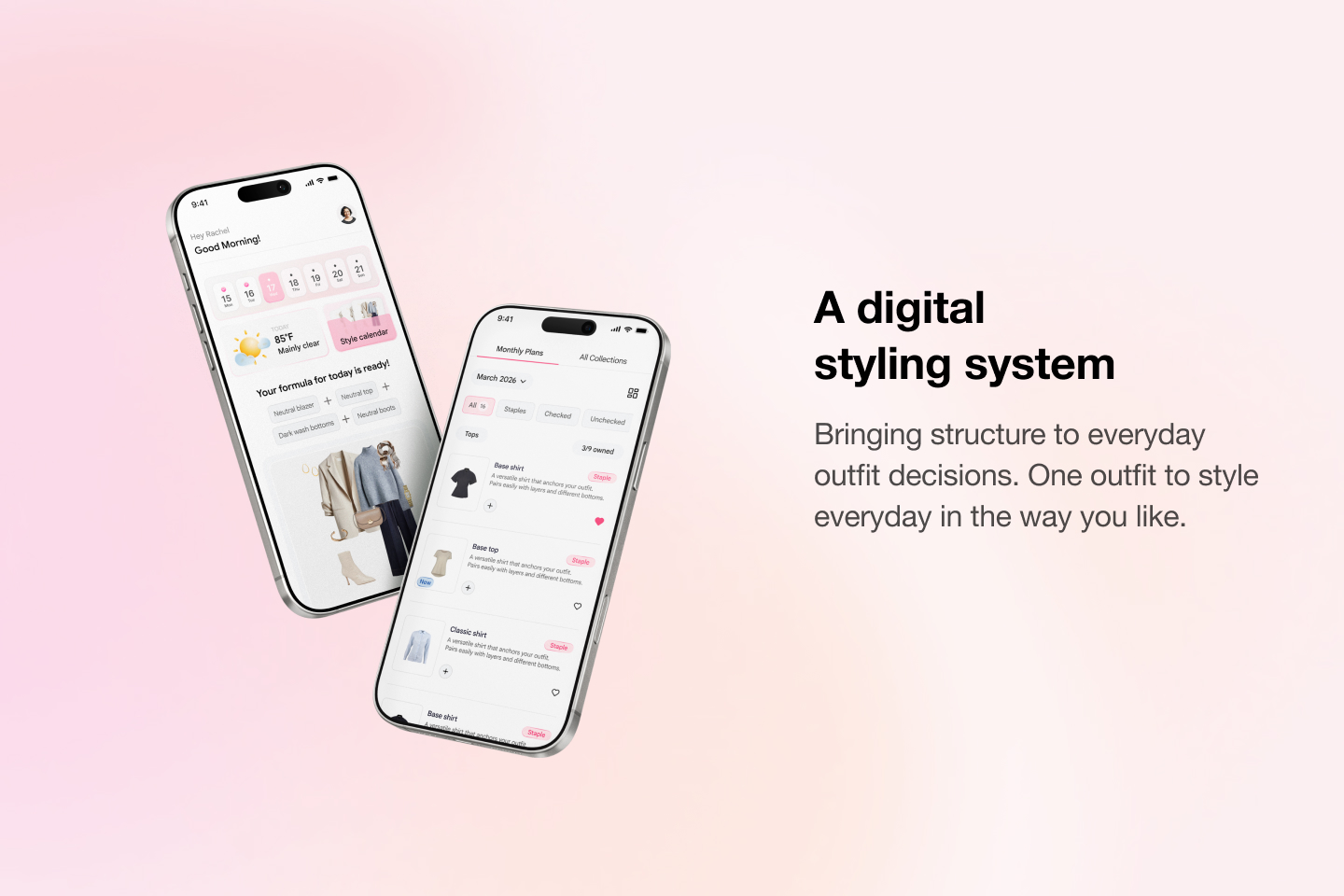
An AI- powered styling tool that helps women style better, Bringing structure to everyday outfit decisions. One outfit to style everyday in the way you like.
Context
Outfit Formulas helps women plan what to wear for everyday activities, from work and errands to dinners and special occasions. The product is designed primarily for women over 40, including those navigating menopause and changes in their bodies and clothing preferences. Users can explore outfit recommendations, plan looks for upcoming days, set reminders, and maintain a digital wardrobe. The challenge was making these features understandable and useful to someone opening the app for the first time.
- 100+ screens redesigned
- 8–9 months of design work
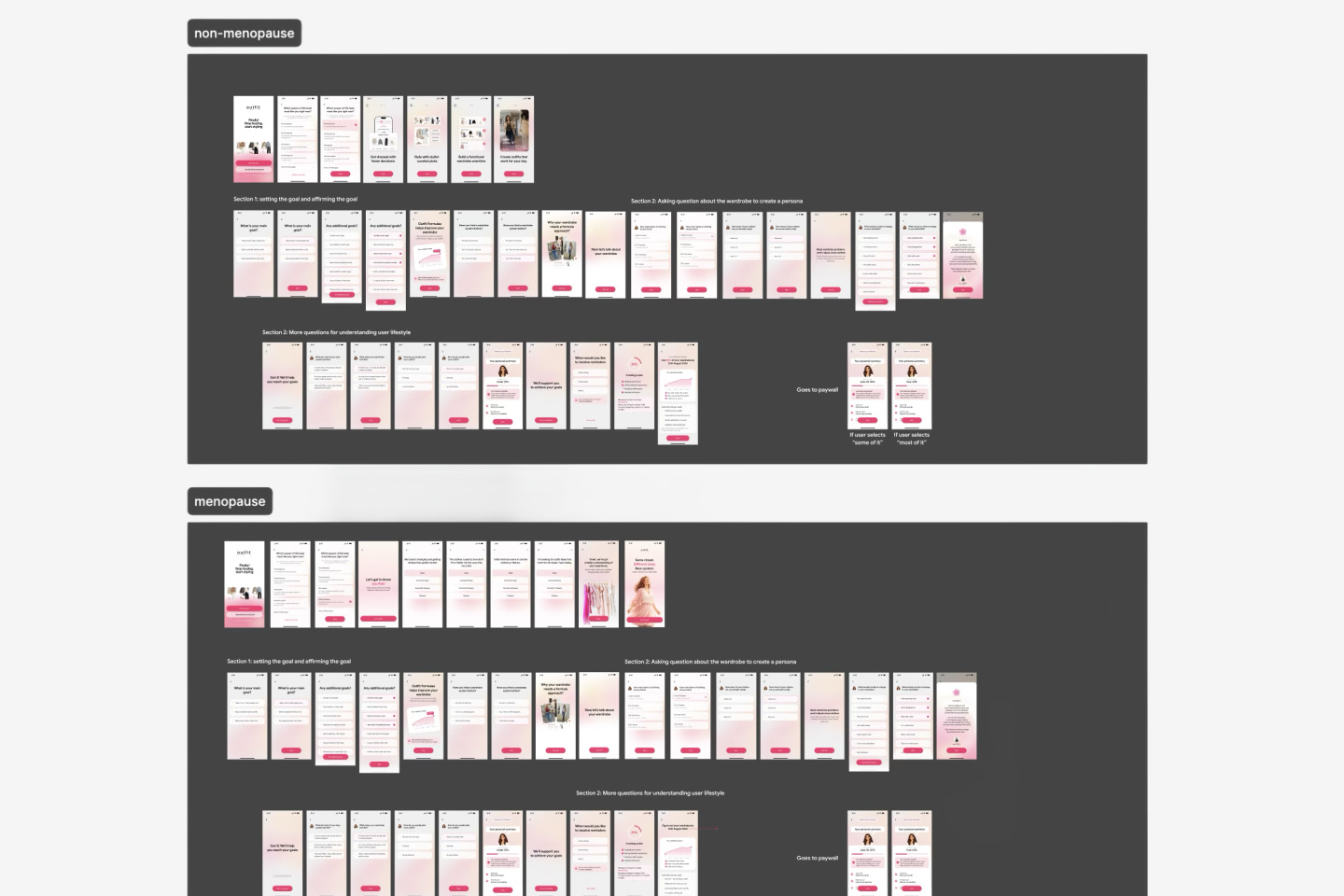
- 20 → 8 onboarding screens
- 40+ primary audience age
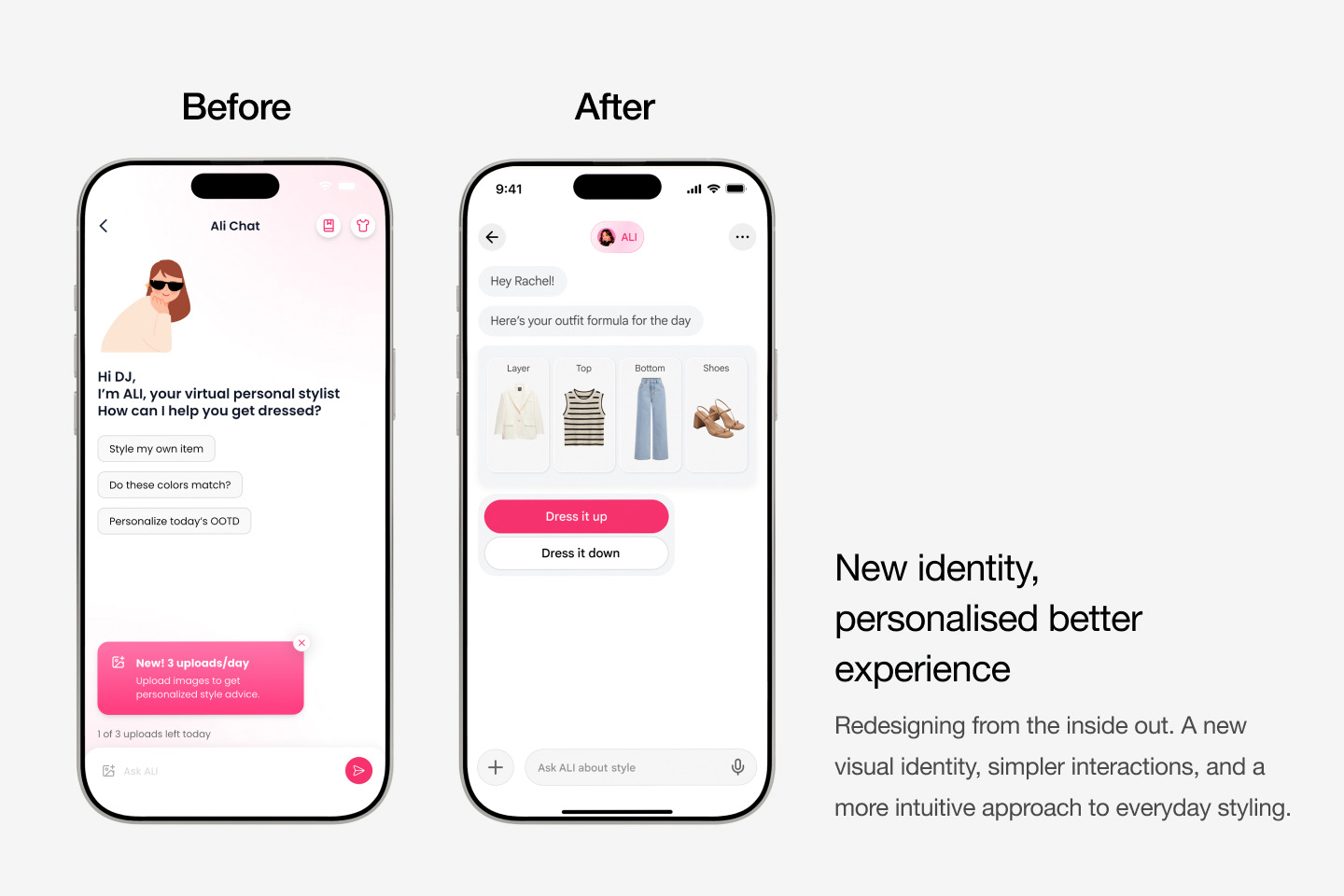
The existing app had inconsistent components, an outdated interface, and user journeys that were difficult to follow.
I redesigned over 100 screens, established a visual identity, and reworked how users interact with core features. The focus was on making the next action clear, reducing unnecessary decisions, and connecting features that previously felt difficult to navigate.
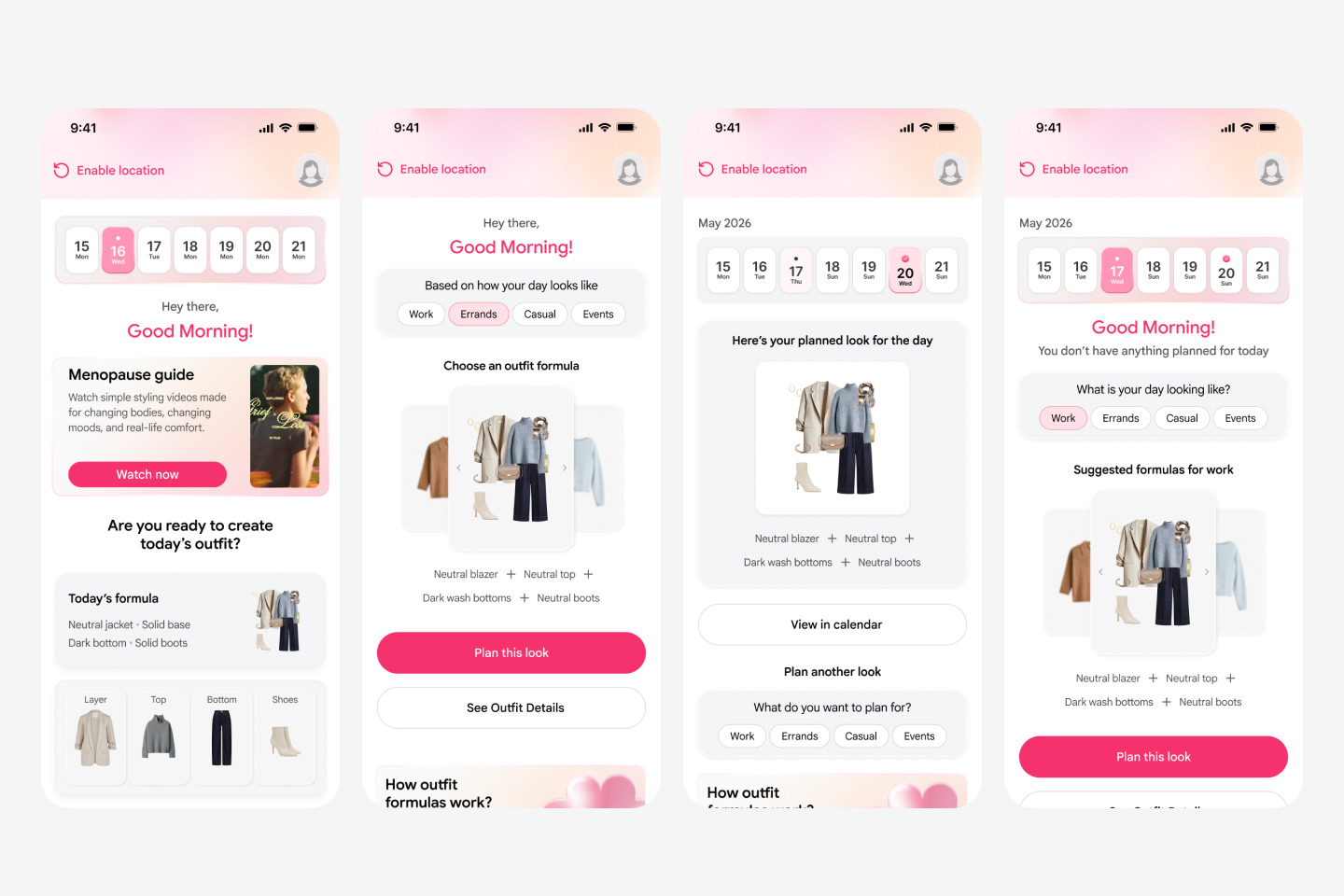
User feedback and product analytics revealed a gap between what the app could do and what users understood how to do.
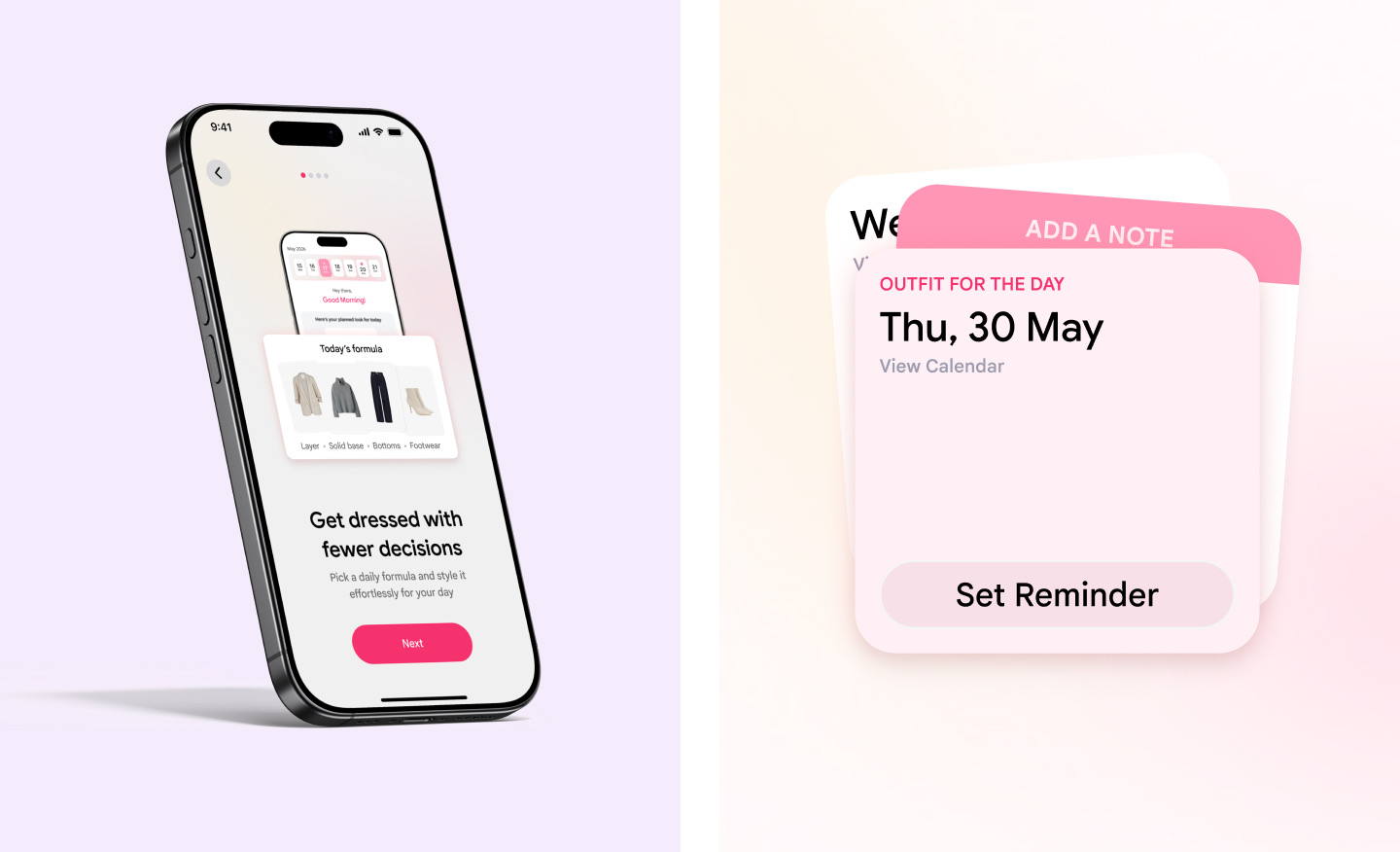
The app already allowed users to plan outfits, save them to a calendar, and set reminders, but the connection between these features wasn’t clear. Users could receive an outfit recommendation without fully understanding what they could do with it next.
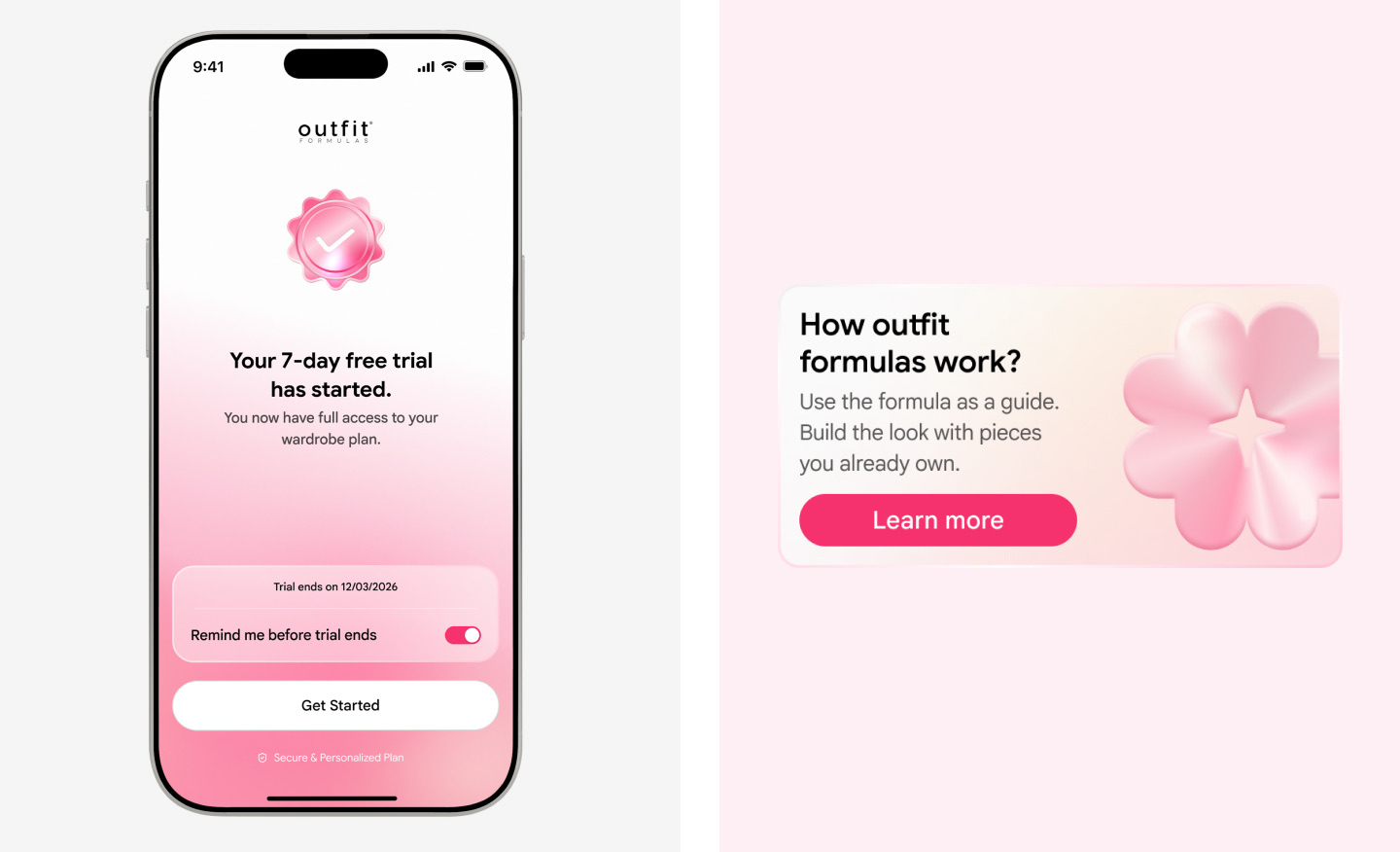
User feedback played an important role throughout the redesign, including insights from people who had been familiar with Outfit Formulas long before the app was redesigned. A recurring problem was that users didn’t always understand what individual features did or what action they were expected to take next.
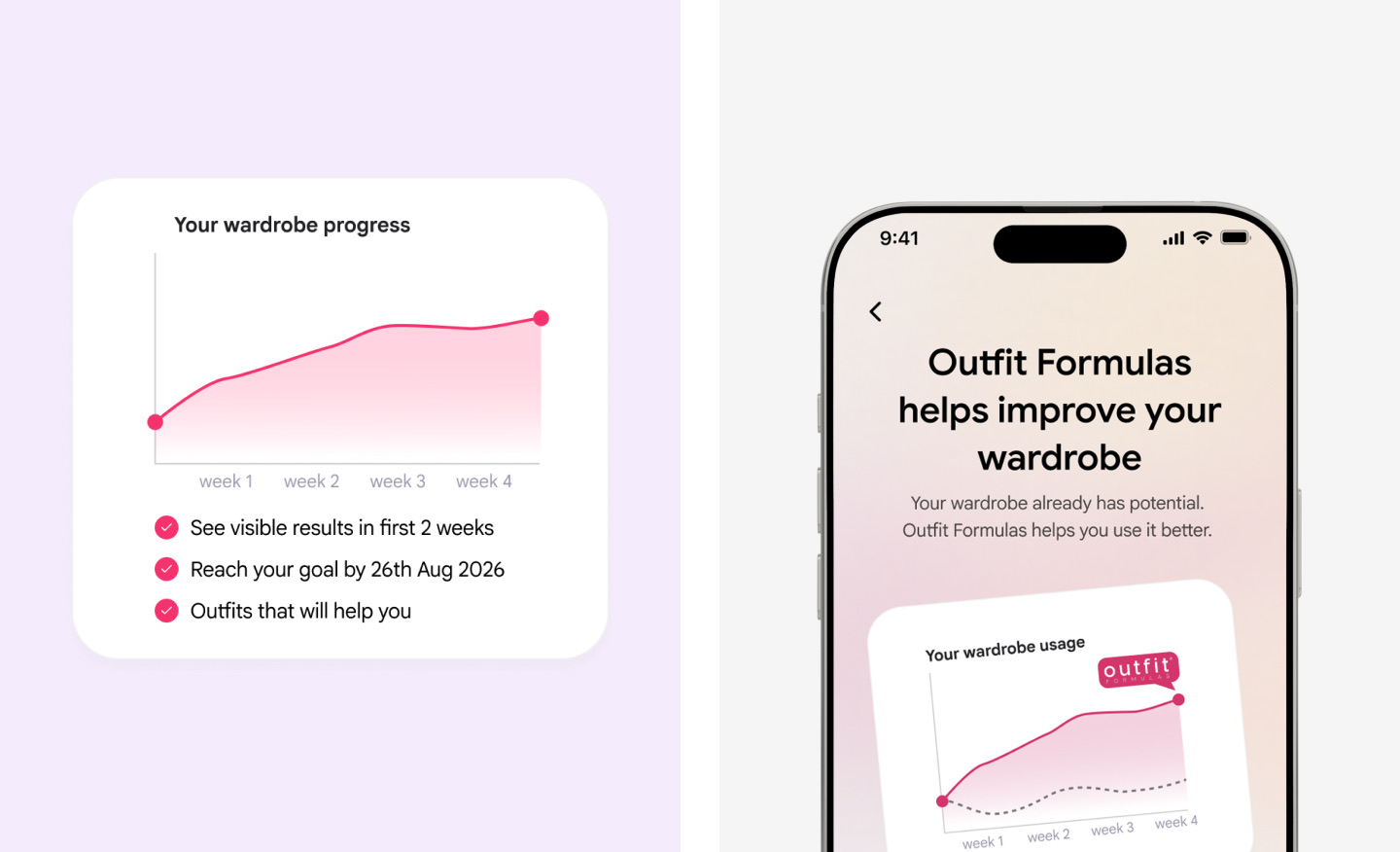
The redesign brought previously disconnected features into clearer user journeys, connecting outfit recommendations, personalisation, planning, reminders, and wardrobe management within a consistent interface.
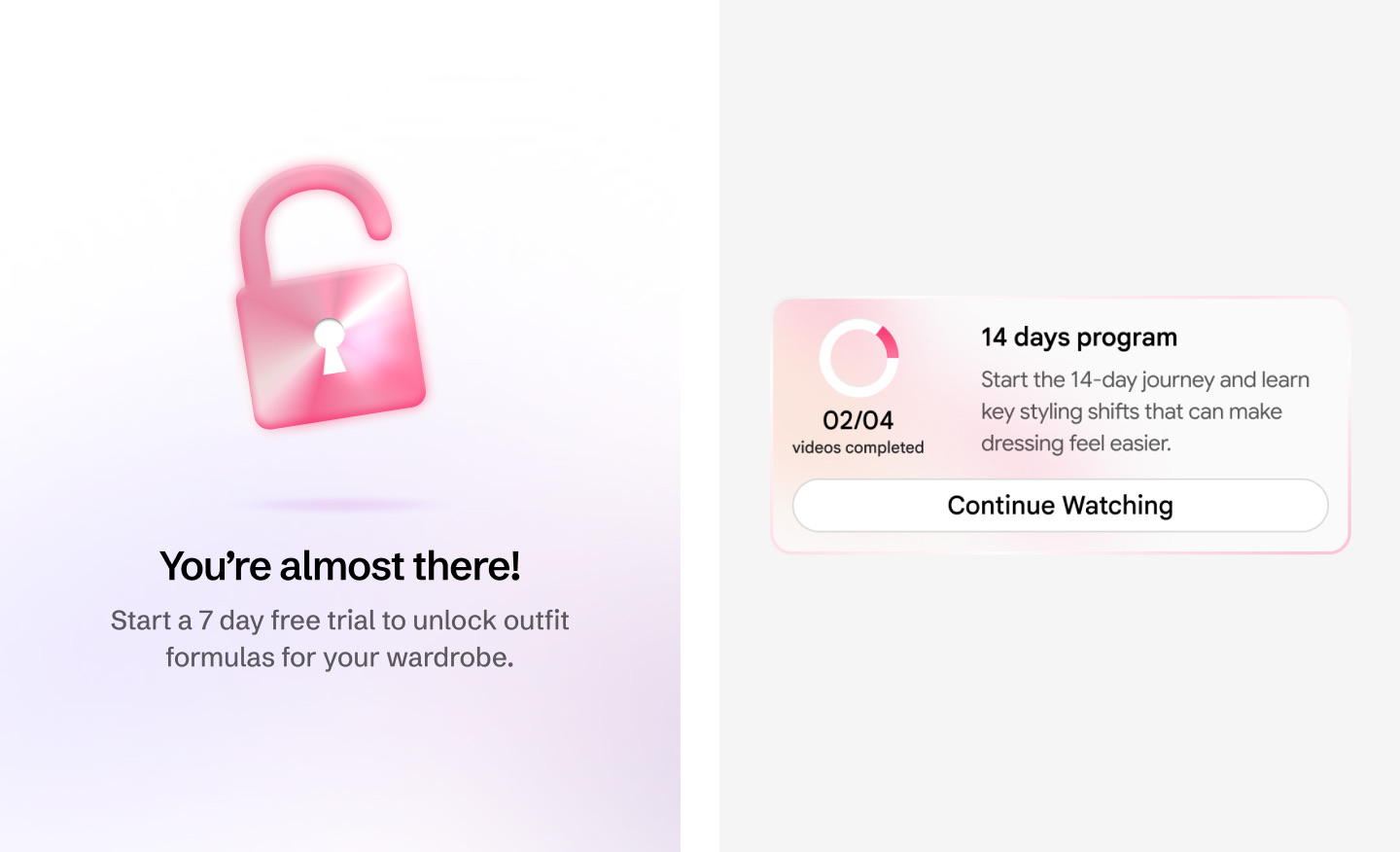
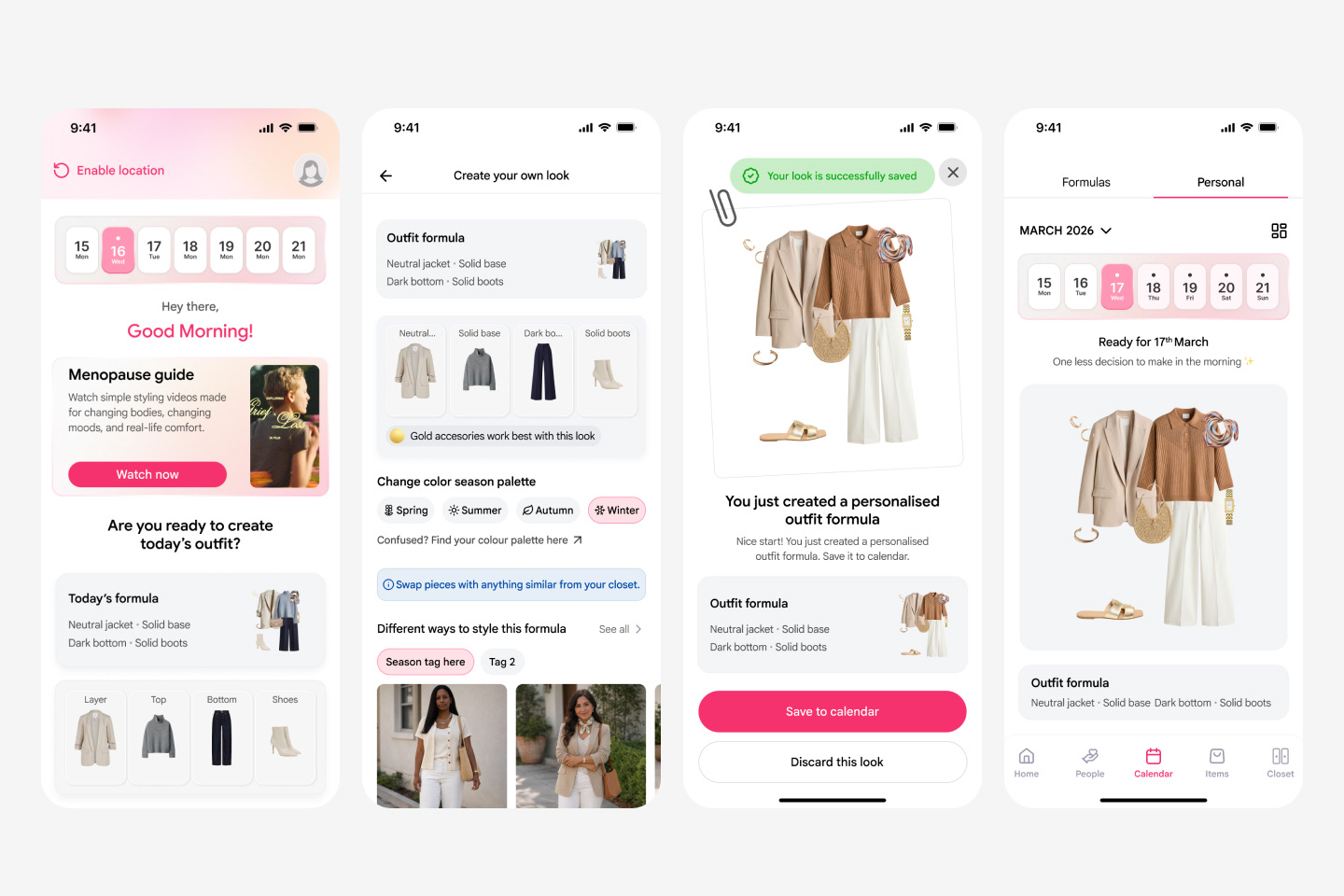
Following the launch, the team observed that new users were better able to understand how to begin using the app, rather than relying primarily on familiarity from existing Outfit Formulas users. The team also observed new user sign-ups and conversions, with users staying through the initial one-week period that had been an important product goal.